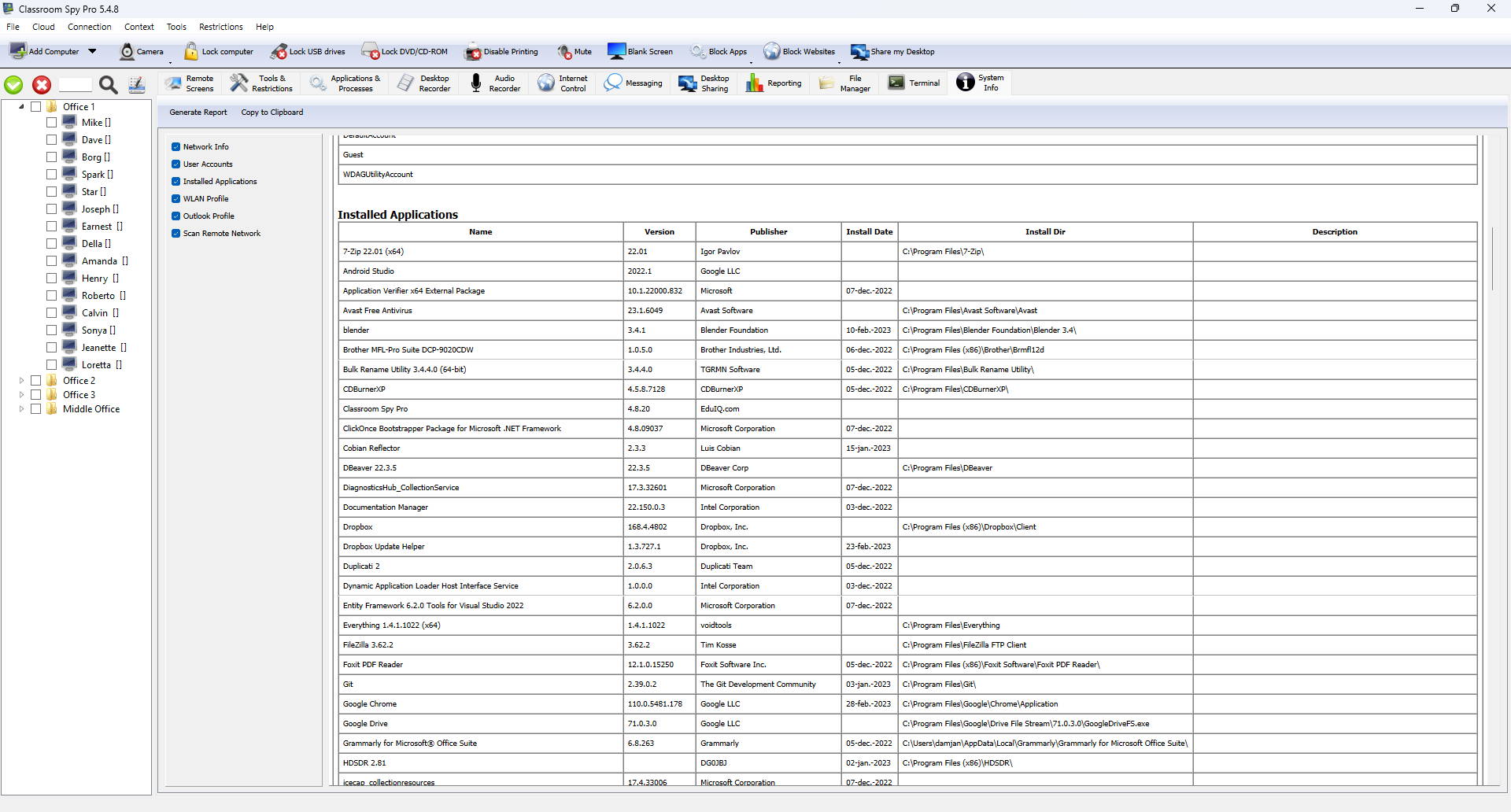
See How This Application Can Help You to Monitor and Track Student Activity
Our monitoring software contains a lot of useful features that will help you to track and monitor your students.
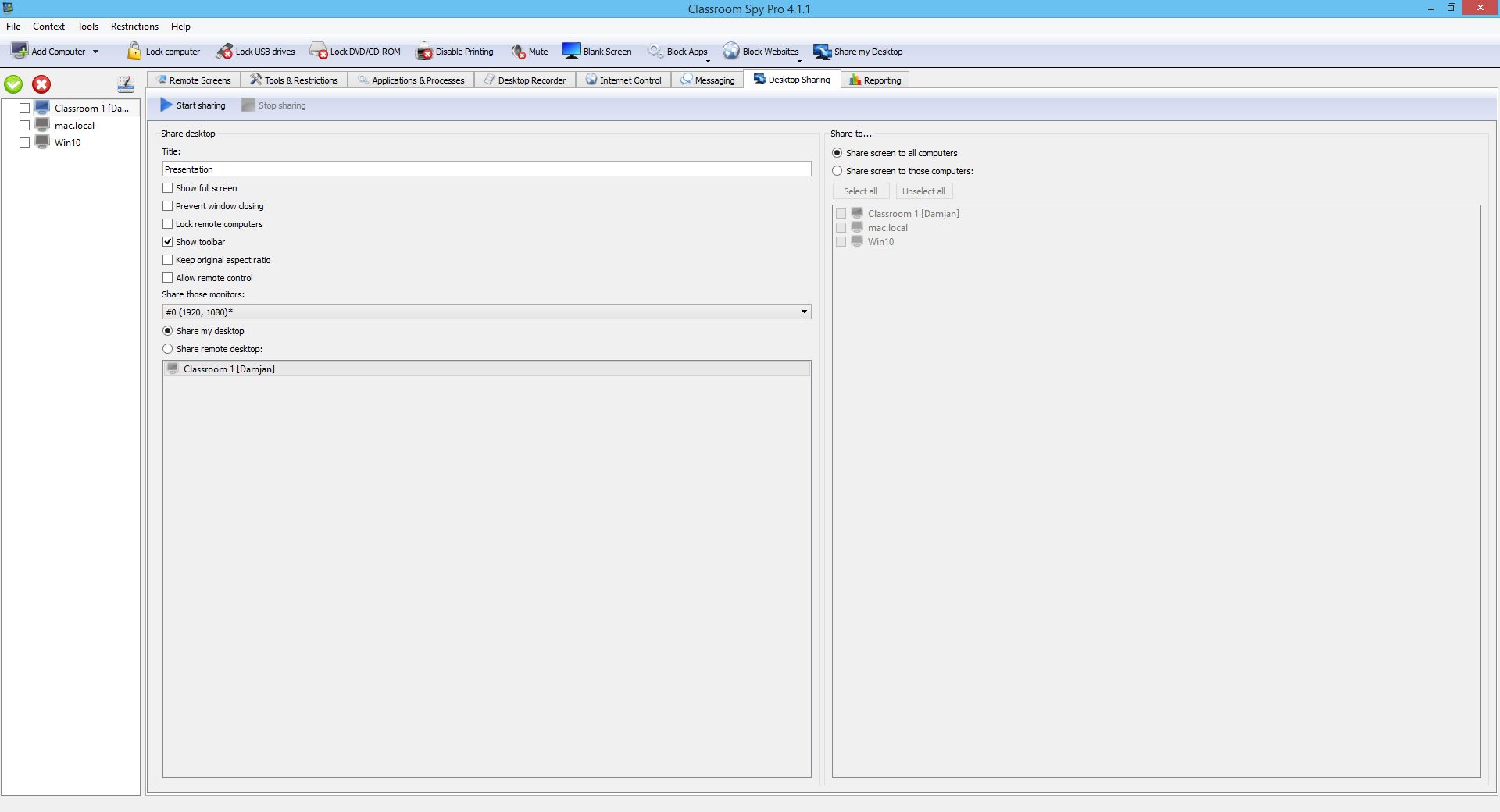
Monitor Live Computer Screens
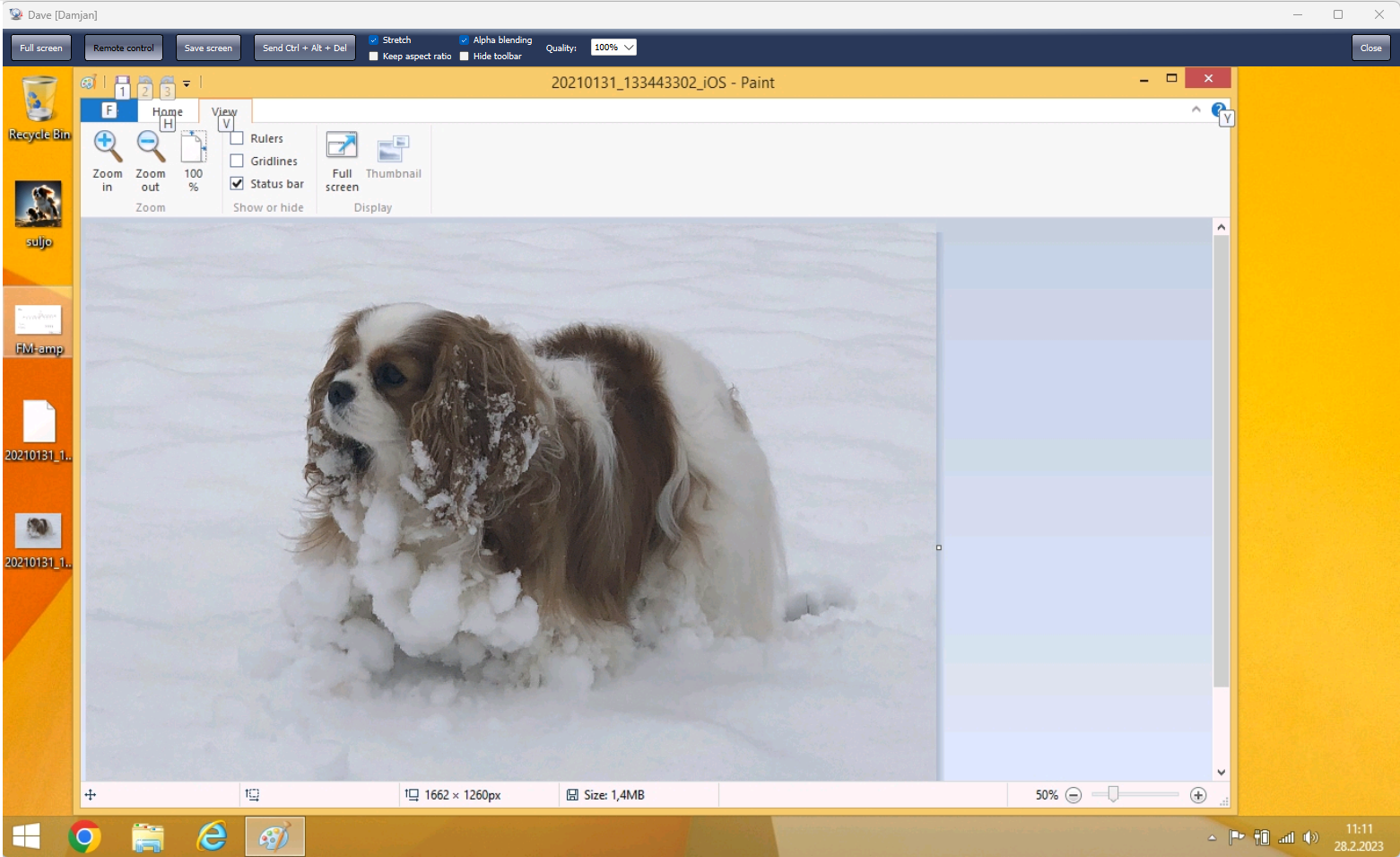
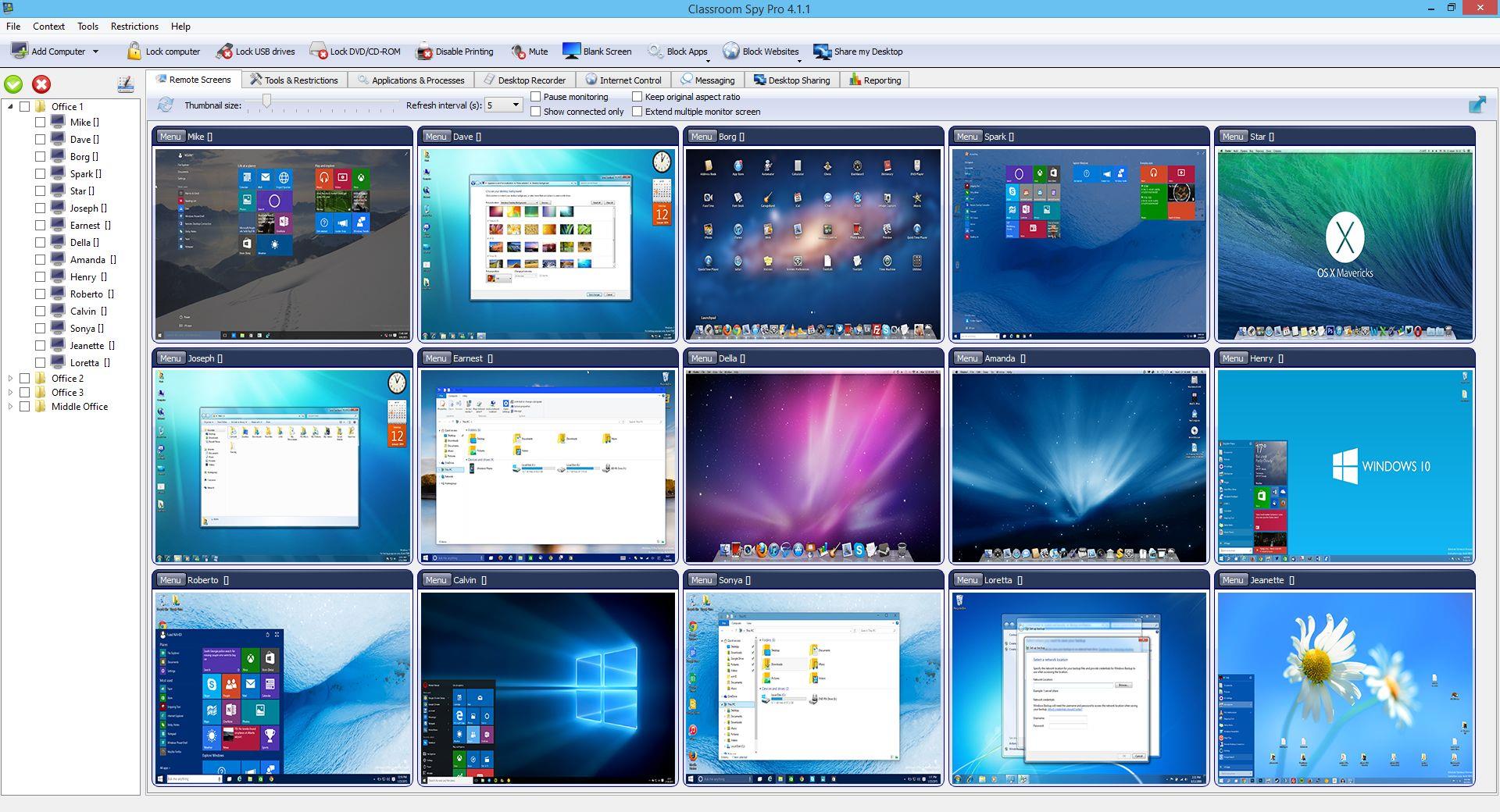
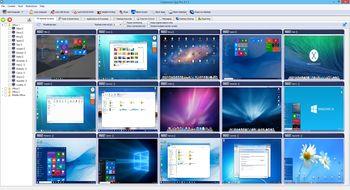
The application allows you to see what is currently displayed on a student computer monitor. This way you can quickly discover if your students are doing the tasks they are assigned.
All student computer screens can be displayed at once since they can be displayed as thumbnails with configurable size.
You can simply zoom in to any student computer screen by double clicking the thumbnail.
Record Student Desktop Screens
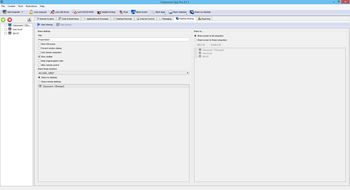
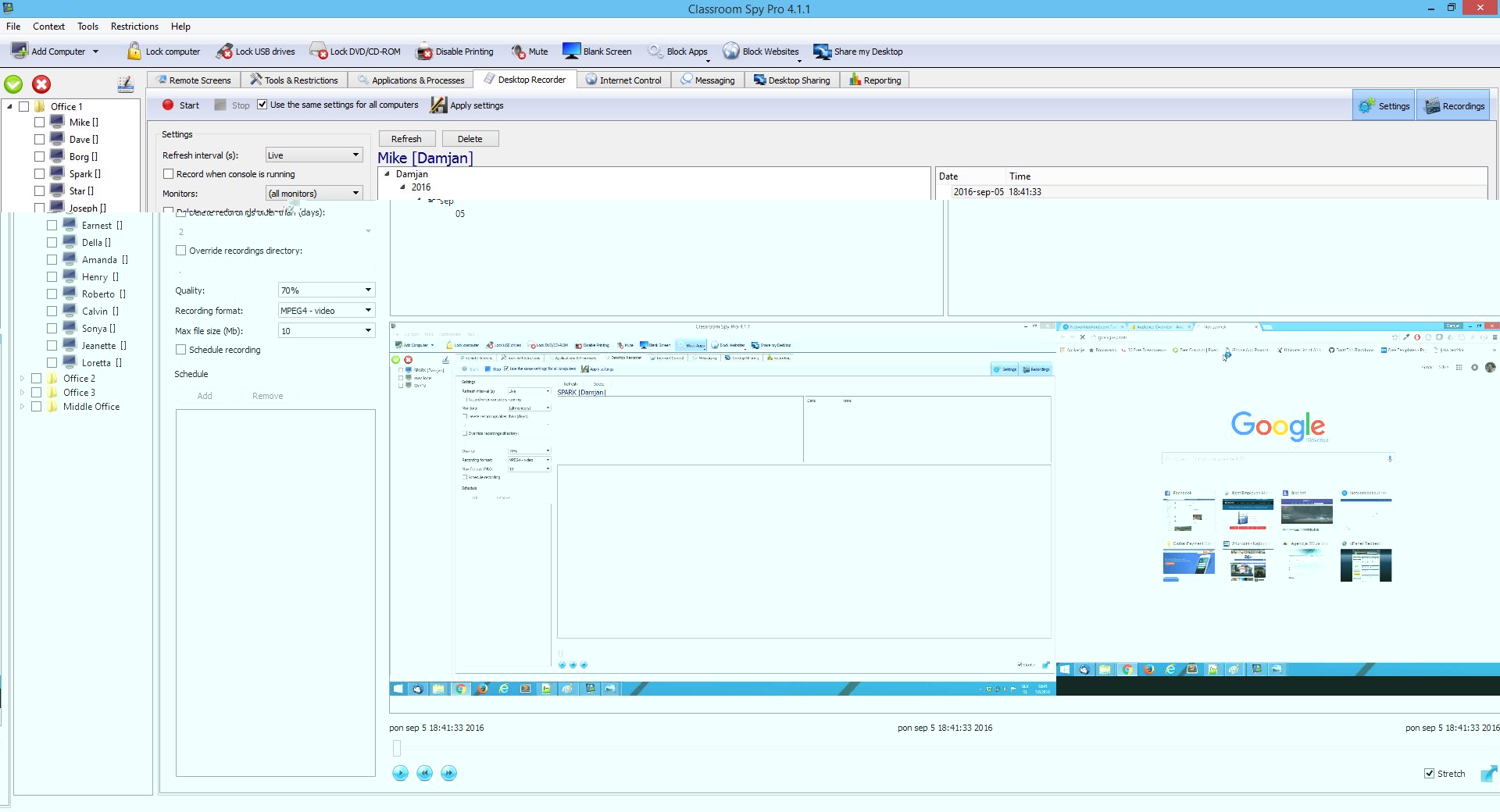
Computer Screen Recorder allows you to record student's screen either at specific intervals or in live video. Recorded screens are saved in MPEG4, MKV (video) or JPEG (screenshots) format.
The recording can be scheduled for specific days and time intervals, so it can be done automatically in the background. For this reason, you don't need to be present or have a network connection at that time.
The built-in player allows you to quickly check and play the recordings.
Log Student Activity
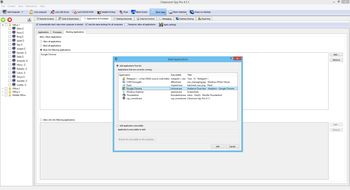
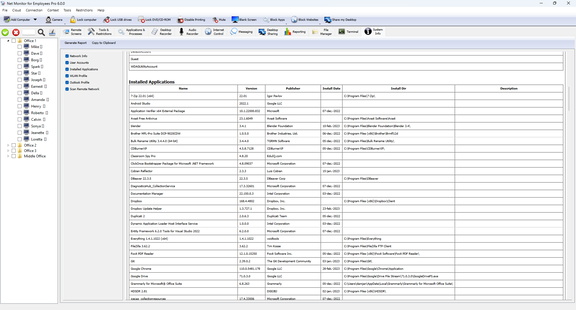
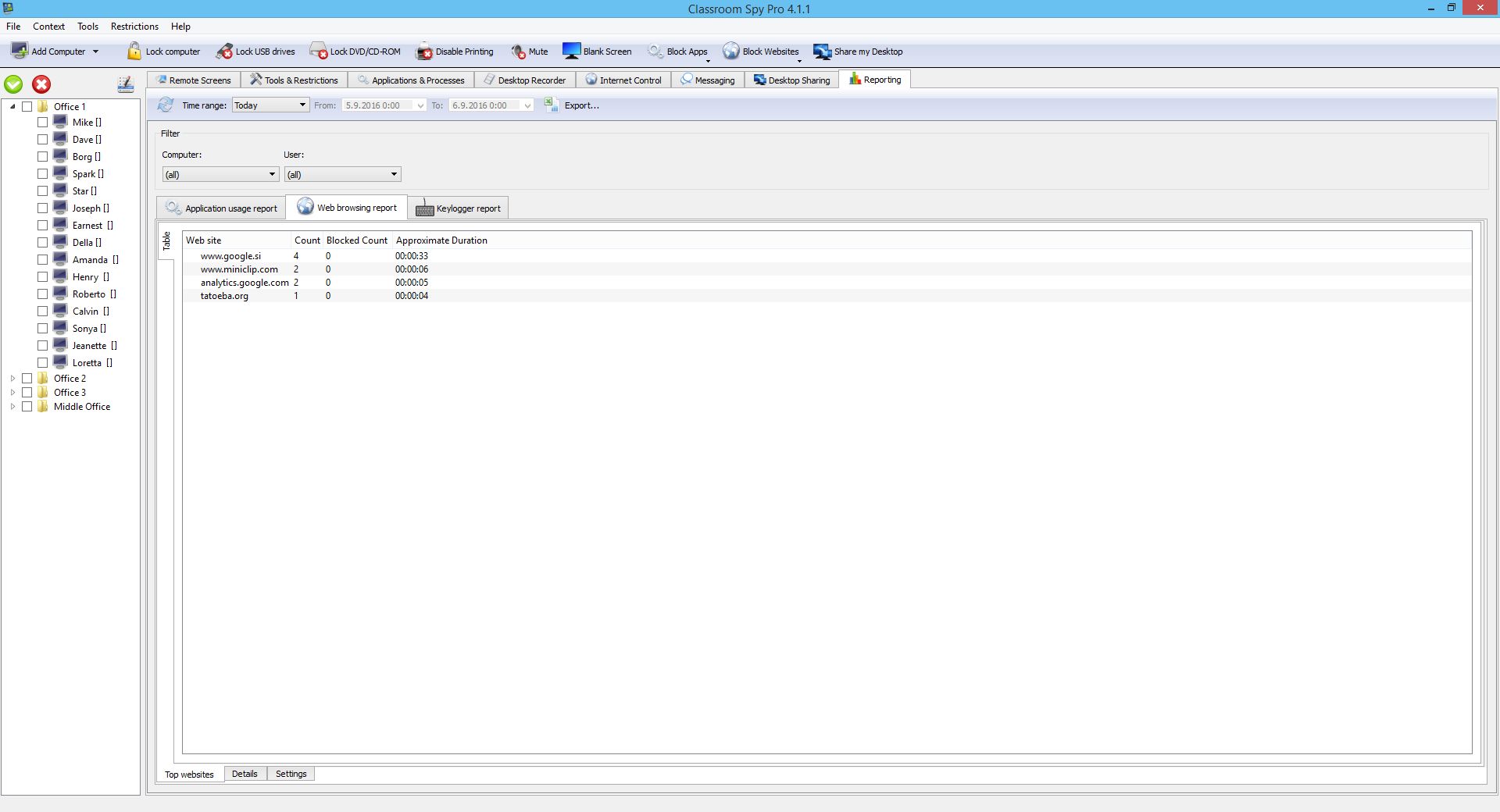
The Logging & Reporting functionality allows you to track student's active time and application or process usage, like which applications were used and for how long.
Additionally, you can gather internet browsing data to see what your students are browsing the most.
Use Advanced Admin Tools
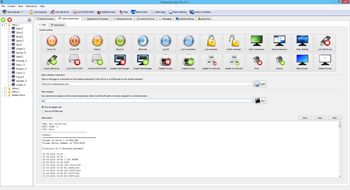
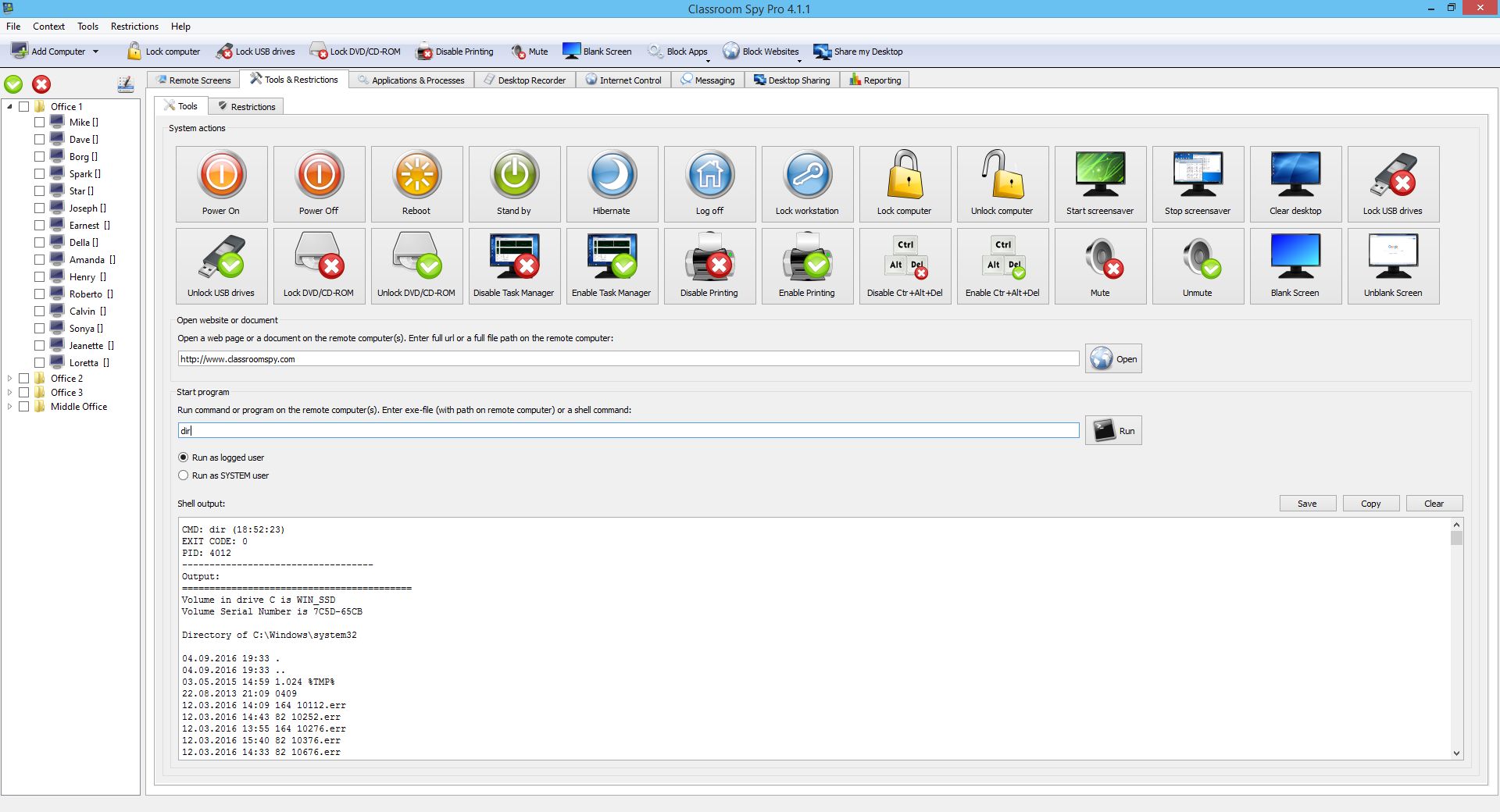
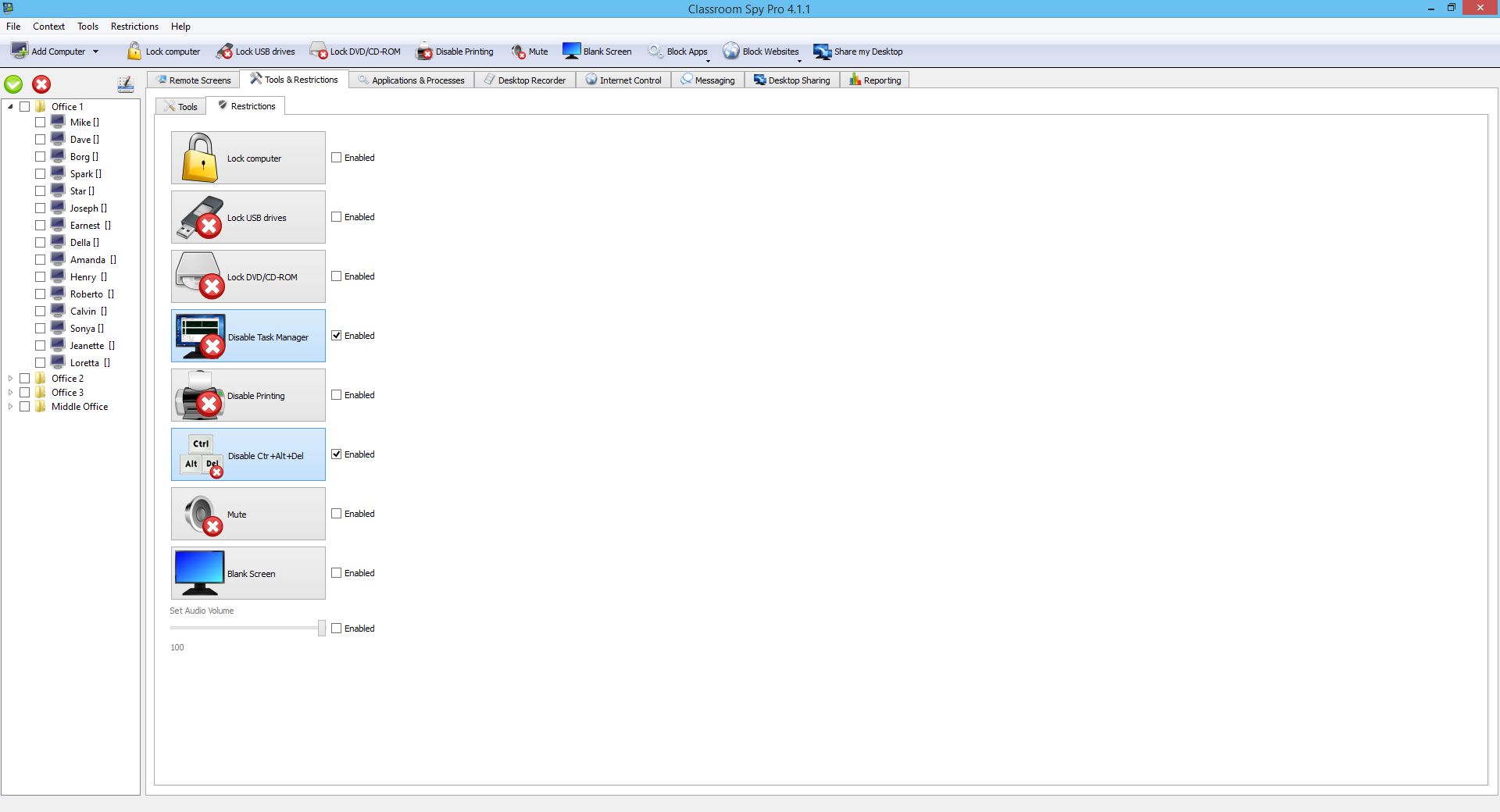
Sometimes you need to act as a computer or network administrator. Our rich set of administrator tools allows you to perform various actions on a selected set of computers.
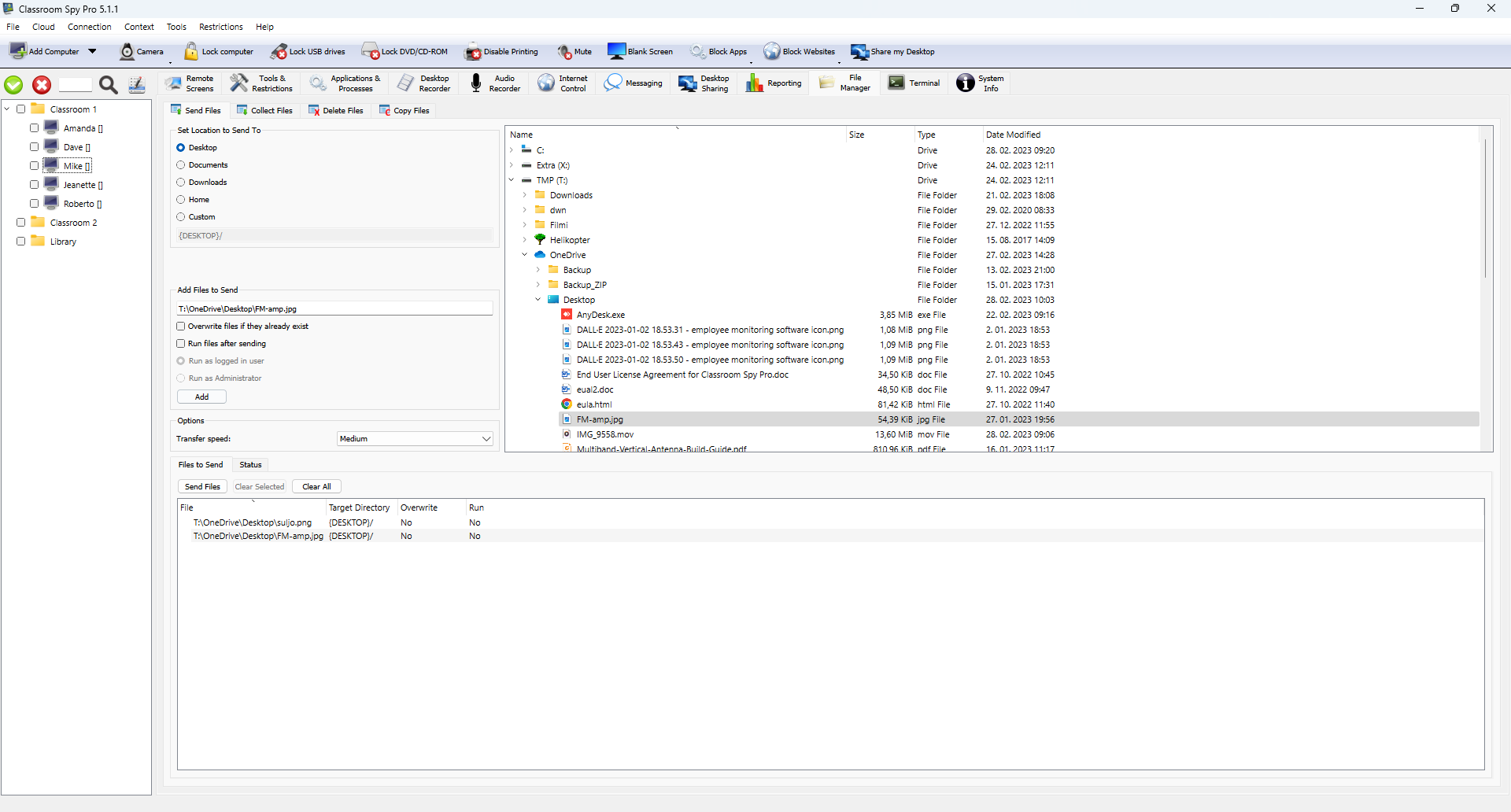
You can e.g. power on / power off / reboot computers, lock computers, disable printing, disable Ctrl+Alt+Del...
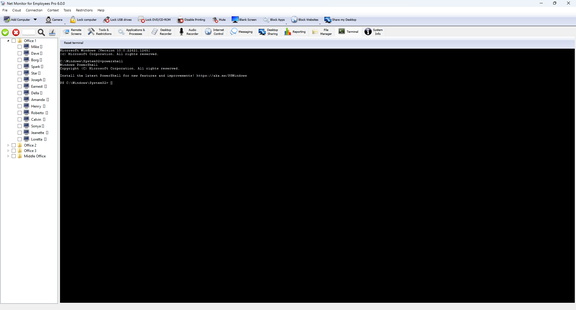
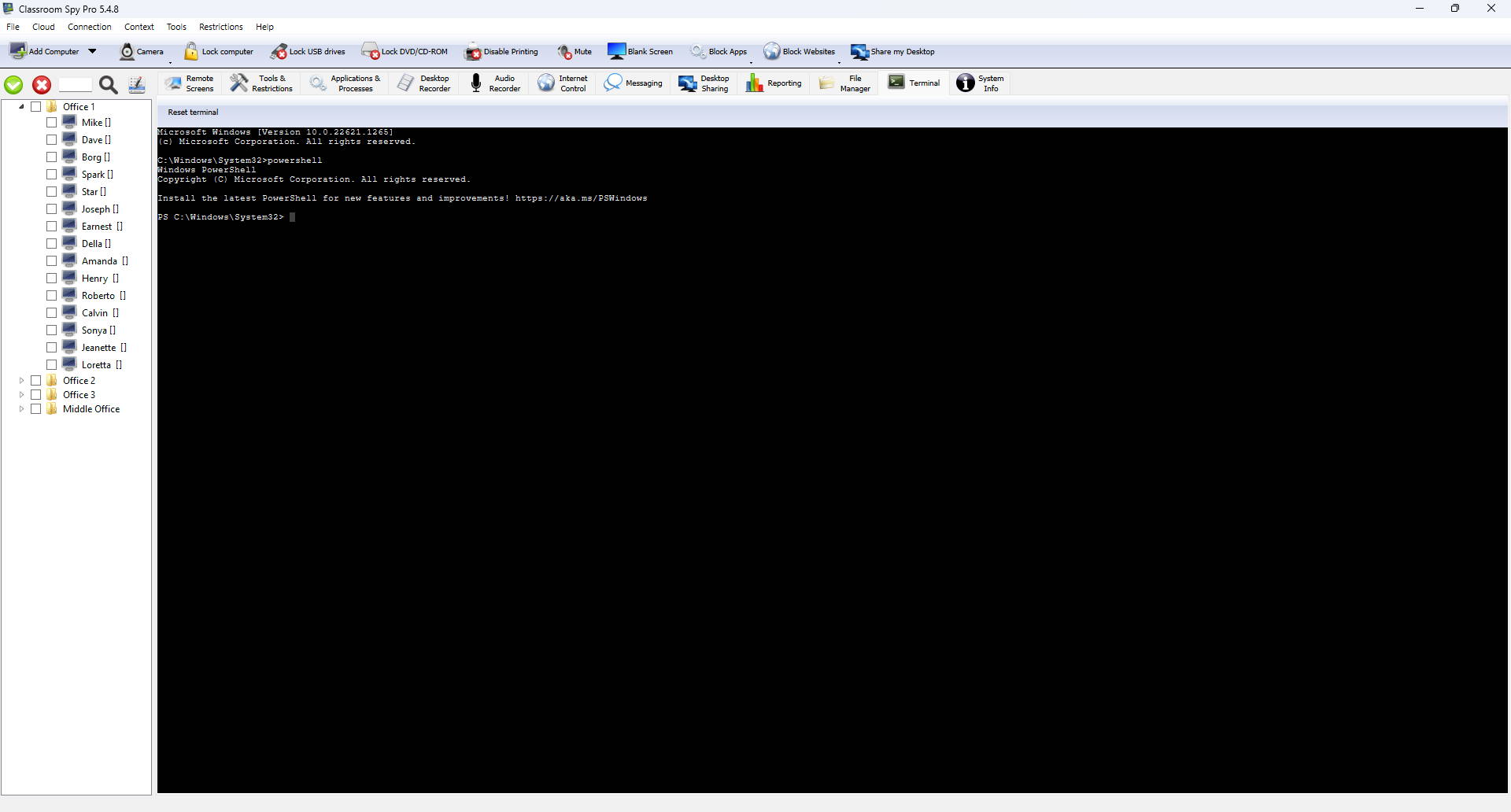
Additionally, you can also execute shell (CMD) commands, send keystrokes to all selected computers and much more.